Pharmacy staff roles and seeing each staff member’s sales
Give every pharmacist, cashier and stock keeper their own login with the right limits, and see each person’s bills, sales, udhaar, returns and cancelled bills for any period.
By Med Dukaan TeamUpdated 2 min read
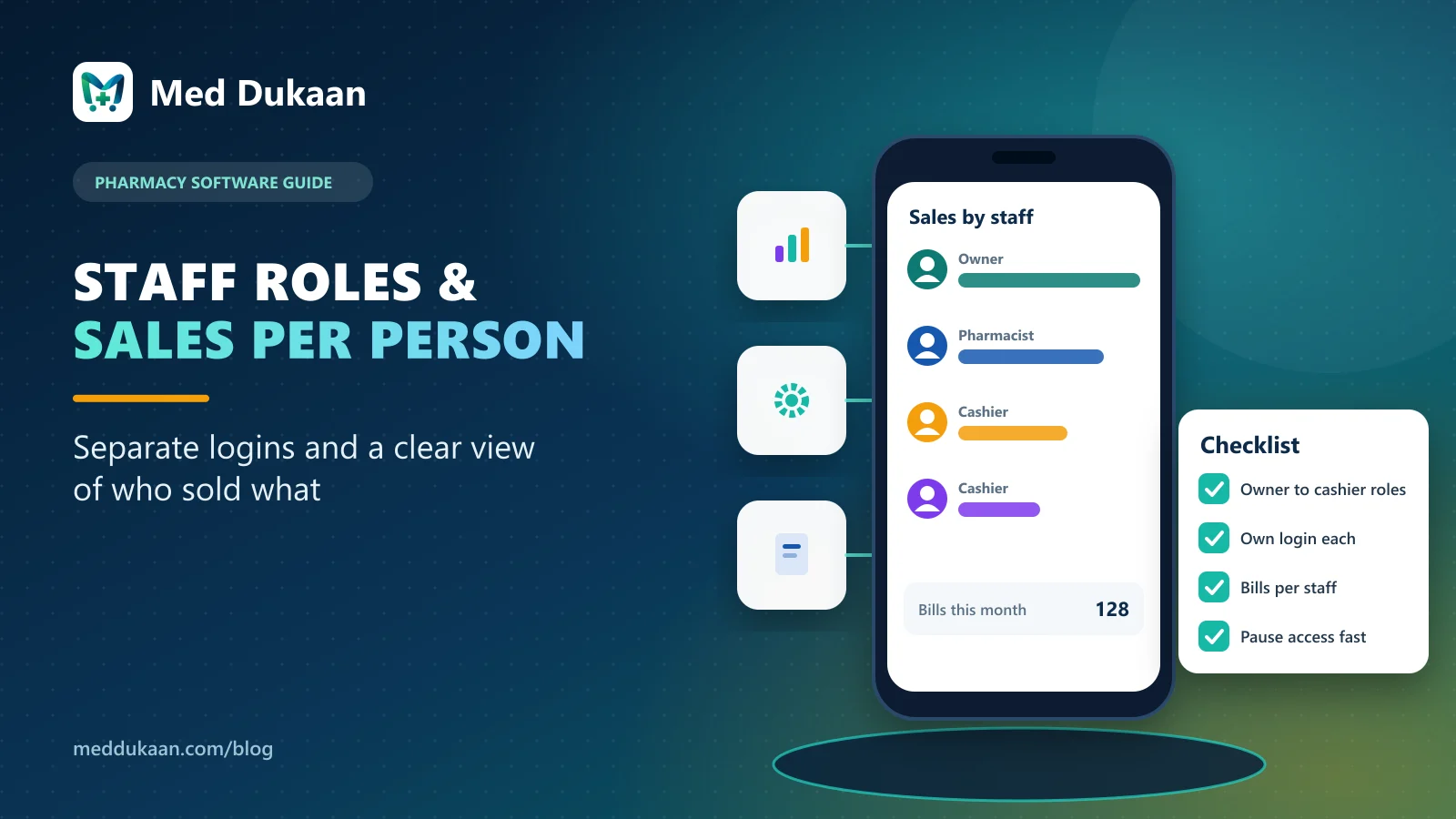
Every person at a pharmacy counter should have their own login with a role that matches their job: owner, manager, pharmacist, cashier or stock keeper. Then the software can stop mistakes before they happen, and the owner can see each person's bills, sales, returns and cancelled bills for any period.
Shared logins feel convenient until a bill is cancelled and nobody knows who did it.
Key takeaways
- One login per person; never share passwords.
- Roles limit what each person can do, checked on the server.
- Several people can share the same role.
- Owners and managers can see each staff member's sales.
- Pause or remove access the moment someone leaves.
Which roles does a pharmacy need?
| Role | What they can do |
|---|---|
| Owner | Everything, including subscription and staff |
| Manager | Everything except subscription, staff and cancelling bills |
| Pharmacist | Billing, returns, prescriptions, Schedule H approval, customers |
| Cashier | Billing counter and customers only |
| Stock keeper | Medicines, stock, purchases and suppliers; no billing |
Limits are checked on Med Dukaan's servers, so a hidden button cannot be worked around.
Can two people have the same role?
Yes. Give the cashier role to as many people as you need; each has their own login and their own record of bills.
How do you see each staff member's sales?
Open a staff member and choose a period: today, last 7 days, this month or your own dates. You see the bills they made, total sales, average bill, udhaar given, how customers paid, returns they entered and any of their bills that were cancelled. Only the owner and manager can open this page.
What happens when someone leaves?
Pause or remove their access. It takes effect on their next click, and their past bills stay in your records.
How do staff passwords work?
New staff get a one-time password and replace it with their own. The owner never needs to know anyone's password.
Illustrative example
Fictional example. An owner with two cashiers and a pharmacist reviews the staff page every Sunday. They thank the person who handled the busiest evenings and notice that most cancelled bills came from one counter, which turns out to be a printer problem, not a person.
Common mistakes
- One shared login for the whole store.
- Giving everyone the manager role "to avoid problems".
- Leaving a former employee's access active.
Staff roles and per-staff sales are part of Med Dukaan's pharmacy software. See pricing.
Frequently asked questions
Can two cashiers have the same role?
Yes. Any number of people can share a role, each with their own login.
Who can see staff sales in Med Dukaan?
Only the owner and the manager.
Can a cashier cancel a bill?
Cancelling bills is limited by role; the cashier role covers the billing counter and customers only.
What happens to a former employee’s bills?
They stay in your records after access is paused or removed.
- #staff
- #roles
- #reports
Product team, Appluk Private Limited
The people who build Med Dukaan, pharmacy software for Indian medical stores. We write about how the software works and how stores use it day to day.