Udhaar in a medical store: customer dues and WhatsApp reminders
Udhaar keeps regular customers loyal only if you know who owes what. Record every credit sale, set limits, record payments and send polite WhatsApp reminders yourself.
By Med Dukaan TeamUpdated 2 min read
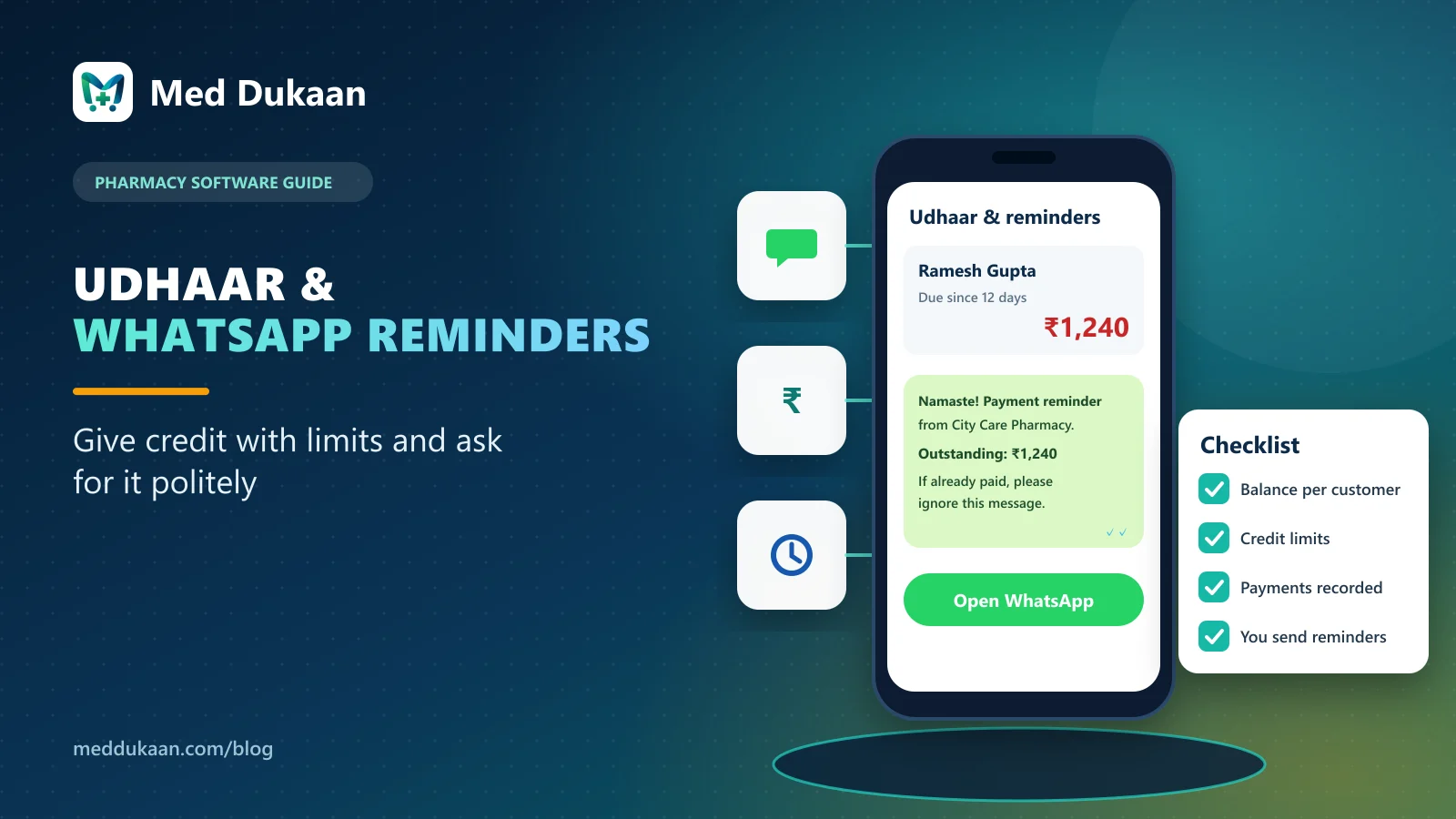
To manage udhaar in a medical store, record every credit sale against the customer automatically, set a credit limit for each customer, record payments as they come in, and send short, polite WhatsApp reminders yourself. When the balance is clear and visible, collecting it is a normal conversation, not an argument.
Credit to regular families is part of how neighbourhood pharmacies in India work. The problem is never giving udhaar; it is losing track of it.
Key takeaways
- Every credit bill should add to the customer's balance automatically.
- Credit limits make the decision at the counter, not later.
- Record cash, UPI and card payments the moment they come in.
- Send reminders from your own WhatsApp; no paid API is needed.
- Review the top balances every week.
How should credit sales be recorded?
When a bill is partly or fully on udhaar, Med Dukaan adds it to the customer's balance. The customer's page shows every bill and payment with dates, so there is no dispute about the amount.
Why set a credit limit?
A limit turns "let me check the notebook" into a clear decision at the counter. Billing beyond the limit needs someone to decide, instead of slipping through on a busy evening.
How are payments recorded?
When the customer pays, record it as cash, UPI or card. The balance updates immediately and the payment appears in your reports.
How do WhatsApp reminders work?
From the customer's dues, open a WhatsApp reminder with your store name and the outstanding amount already written. Edit it if you like, then send it from your own WhatsApp. Med Dukaan does not send messages automatically and does not need a paid WhatsApp API.
A reminder that works well:
Namaste! This is a payment reminder from City Care Pharmacy. Outstanding amount: ₹1,240. If you have already paid, please ignore this message. Thank you.
Store name and amount are examples.
What should you review each week?
| Check | Why |
|---|---|
| Total udhaar outstanding | Know how much cash is with customers |
| Top 10 balances | Follow up where it matters most |
| Balances older than a month | Remind before they grow |
Illustrative example
Fictional example. An owner sets a limit for each regular family and sends reminders only on Saturdays. Customers know the routine, and most balances are settled when they next visit.
Common mistakes
- Keeping udhaar in a notebook alongside software.
- Sending reminders from staff's personal phones.
- Reminders that sound like threats rather than reminders.
Udhaar, limits and reminders are part of Med Dukaan's billing for medical stores. See pricing.
Frequently asked questions
Does Med Dukaan send WhatsApp reminders automatically?
No. It opens WhatsApp with the reminder written; you edit it if you like and send it yourself.
Can I set a credit limit for a pharmacy customer?
Yes. Each customer can have a credit limit for udhaar.
Do I need a paid WhatsApp API for reminders?
No. Reminders open in your own WhatsApp; no paid API is needed.
Where can I see total udhaar outstanding?
In reports, along with the customers who owe the most.
- #udhaar
- #customers
Product team, Appluk Private Limited
The people who build Med Dukaan, pharmacy software for Indian medical stores. We write about how the software works and how stores use it day to day.