Medical store billing software: what a pharmacy really needs
Choosing billing software for a medical store in India? Start with the counter: fast search, batch and expiry, correct GST invoices, loose tablets and udhaar. A practical checklist.
By Med Dukaan TeamUpdated 4 min read
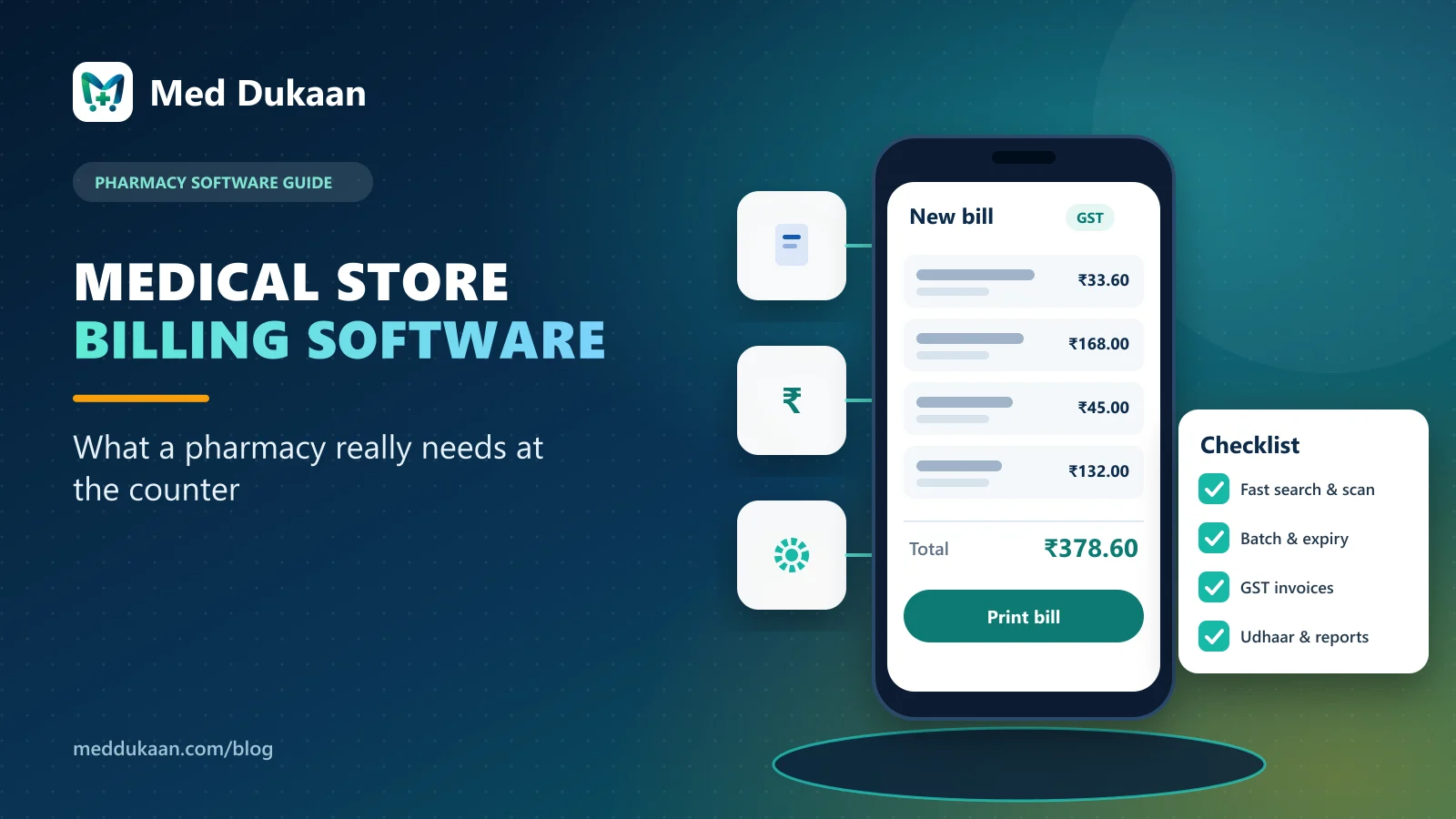
Good medical store billing software makes the counter faster without letting stock, expiry or GST go wrong. Before you compare brands or prices, list what happens at your counter on a busy evening: the medicines you search for, how you sell loose tablets, who buys on udhaar, and what your invoice must show. Software that handles those everyday tasks well is the right shortlist.
A useful question to ask any vendor is: "Can you bill a strip, four loose tablets and a syrup for a regular customer on credit, in under a minute, on a phone?" The answer tells you more than any feature list.
Key takeaways
- Judge software at the counter first: search, barcode, batch selection and printing.
- Stock must be batch-wise, with expiry, MRP and cost kept per batch.
- The invoice type must follow your GST registration; confirm the format with your CA.
- Loose sales, udhaar and returns are daily work in an Indian pharmacy, not extras.
- Ask what happens to your data if you stop paying.
What makes pharmacy billing different from shop billing?
A general shop sells an item; a pharmacy sells a batch. Two strips of the same medicine can have different expiry dates and even different MRPs. Some medicines need a prescription. Many customers want four tablets, not a whole strip. And a large share of sales may be on credit to families the store has known for years.
That is why generic billing apps often break in a medical store. They count "items" instead of units, ignore expiry, and treat credit as an afterthought.
Five questions to settle before you choose
1. How fast is a normal bill?
Search should work by brand ("Dolo"), salt ("paracetamol 650") and barcode. The batch that expires first should be offered by default, so old stock does not sit on the shelf. In Med Dukaan the billing counter does all three and runs on a phone, tablet or computer.
2. Is stock kept batch by batch?
Every batch needs its own expiry, MRP, cost and quantity. Without that you cannot see what expires next month, and you cannot block an expired batch from being billed. Our guide on batch-wise stock and expiry explains why this matters.
3. Does the invoice match your GST registration?
A regular GST store usually prints a Tax Invoice with HSN codes and the tax split; a composition or unregistered store usually prints a Bill of Supply. See Tax Invoice or Bill of Supply for the difference, and confirm your format with your CA.
4. Can it handle loose tablets, returns and udhaar?
Loose sales must reduce stock in units and never charge above MRP per unit. Returns must put stock back into the same batch. Credit sales should build a customer balance you can follow up on. These are covered in our guides on loose tablet billing and udhaar reminders.
5. What do you get beyond billing?
Reports you will actually read (today's sales, stock value, expiring and low stock, supplier dues), separate staff logins, and a pharmacy website for customers who search online before walking in.
A quick comparison checklist
| Check | Why it matters | What to ask in a demo |
|---|---|---|
| Search by brand, salt, barcode | Speed at the counter | "Find paracetamol 650 without the brand name." |
| Batch and expiry per batch | Less expiry loss, no expired sales | "Show me what expires in 30 days." |
| Loose sale in units | Correct stock and price | "Sell 4 tablets from a strip of 10." |
| Invoice by GST type | Correct records | "Print a Tax Invoice and a Bill of Supply." |
| Udhaar with limits | Credit you can recover | "Bill on credit and show the balance." |
| Staff roles | Fewer mistakes, clear responsibility | "Log in as a cashier: what can't they do?" |
| Data export | You stay in control | "How do I export my data?" |
Illustrative example
This is a fictional example, not a Med Dukaan customer. A two-counter medical store near a hospital gate in Lucknow bills mostly in the evening rush. The owner tests three apps by billing the same five real prescriptions on each. The one they keep is the one where the cashier finishes fastest without asking for help, the batch is picked correctly, and the credit customer's balance updates on the spot.
Common mistakes to avoid
- Choosing on price alone, then losing hours every week to slow billing.
- Importing stock without batch and expiry "to save time".
- Sharing one login among all staff.
- Not checking the invoice format with your CA before going live.
Where Med Dukaan fits
Med Dukaan was built for Indian medical stores: batch-wise billing, loose tablets, GST invoices, udhaar, staff roles, reports and your own pharmacy website, in one account. Setup assistance is included. See the current fees in pricing or talk to us to book a demo with your own medicines.
Frequently asked questions
What should medical store billing software include?
Fast search by brand, salt and barcode, batch-wise stock with expiry, correct GST invoices, loose tablet sales, returns, udhaar (credit), staff logins and simple reports.
Can I use pharmacy billing software on a phone?
Yes. Med Dukaan runs in the browser on a phone, tablet or computer, including the billing counter.
Does the software stop billing of expired medicine?
Yes. Med Dukaan keeps stock batch-wise and does not allow an expired batch to be billed.
How do I compare pharmacy software before buying?
Bill the same few real prescriptions in each demo: a strip, loose tablets, a syrup and a credit sale. Compare speed, batch selection, invoice and balance updates.
- #billing software
- #pharmacy software
- #buying guide
Product team, Appluk Private Limited
The people who build Med Dukaan, pharmacy software for Indian medical stores. We write about how the software works and how stores use it day to day.