Barcode billing for pharmacies: USB scanner or phone camera?
Barcode billing turns a scan into a bill line in a second. When to use a USB scanner, when the phone camera is enough, and what to do when a barcode is not found.
By Med Dukaan TeamUpdated 2 min read
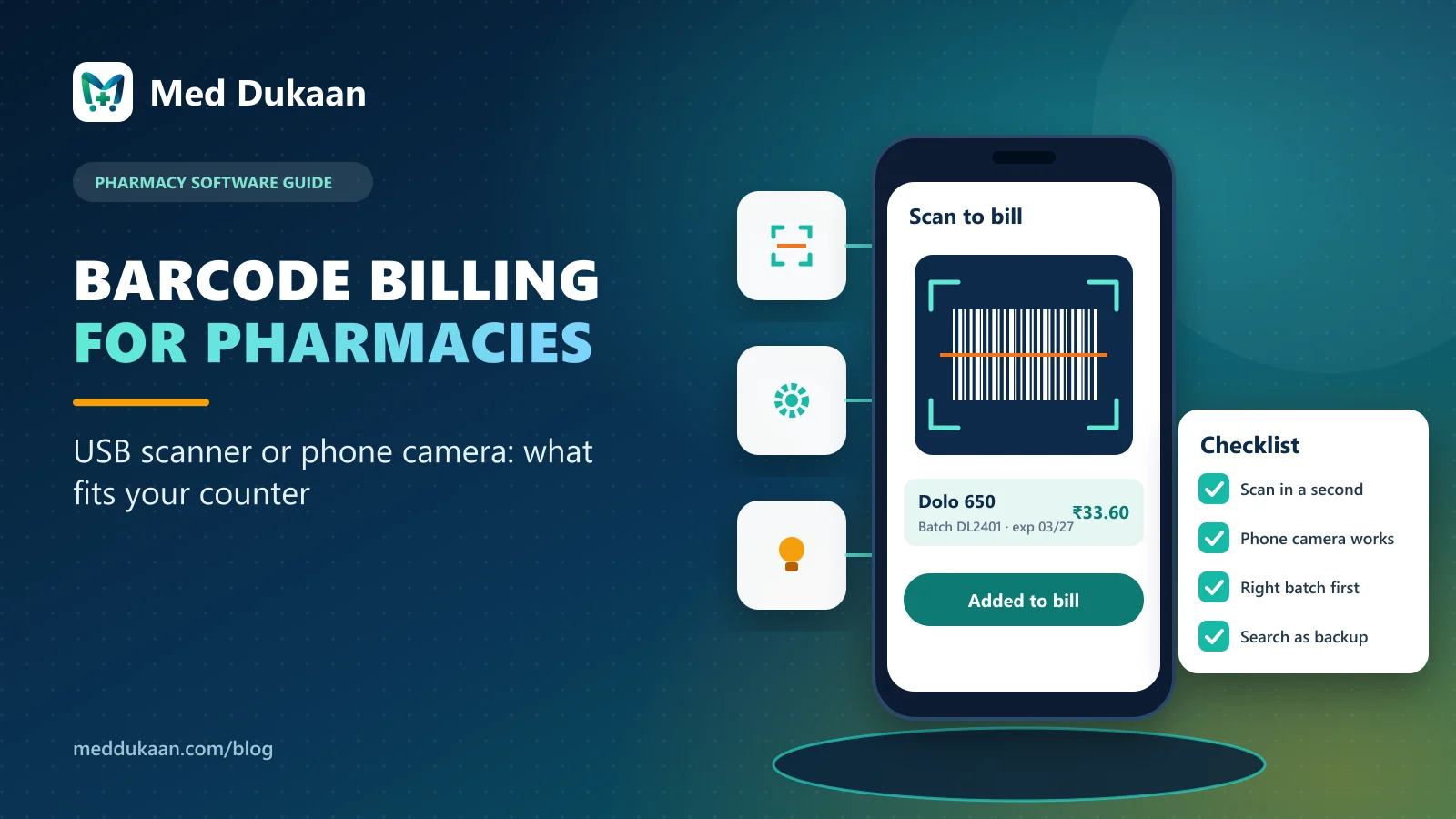
For a busy pharmacy counter, a USB barcode scanner is the fastest way to bill; for a small store, home delivery or a second counter, the phone camera is often enough. Both turn a scan into a bill line in about a second, and good pharmacy software works with either on the same counter.
The bigger win is not the hardware. It is saving barcodes for the medicines you sell most, so scanning works on the first try.
Key takeaways
- USB scanner: fastest and most reliable at a fixed counter.
- Phone camera: no extra hardware, good for small or mobile billing.
- After a scan, the batch that expires first should be offered.
- An unknown barcode should lead to adding the medicine, not to guessing.
- Keep search by brand, salt and strength as the backup.
USB scanner or phone camera: which should you use?
| USB scanner | Phone camera | |
|---|---|---|
| Speed | Fastest | Fast |
| Extra cost | A scanner | None |
| Best for | Busy fixed counter | Small store, delivery, second counter |
| Works with | Computer (types like a keyboard) | The phone running the counter |
A USB scanner simply types the barcode into the computer, like a very fast keyboard. Med Dukaan's counter also scans with the phone's camera, so you can start without buying hardware and add a scanner later.
What happens after you scan?
Med Dukaan finds the medicine by its barcode and offers the batch that expires first. If loose sale is allowed, you can switch the quantity to units, as explained in loose tablet billing.
What if a barcode is not found?
Some medicines have no barcode, or one the store has not saved yet. When a scan finds nothing, Med Dukaan offers to add the medicine with that barcode already filled in. Nothing else is guessed: you choose the name, GST rate and schedule.
How do you get scanning to work on the first try?
Spend a few minutes saving barcodes for your top sellers, from the medicine page or while adding stock. After that, most bills at the counter are scan, scan, print.
Why does search still matter?
Not every pack has a readable code: a torn strip, a loose bottle, a local brand. Search by brand, salt or strength stays one tap away, and in-stock medicines appear first.
Illustrative example
Fictional example. A store adds a USB scanner to its main counter and keeps billing deliveries on the owner's phone with the camera. Both bills land in the same account, the same stock and the same reports.
Common mistakes
- Buying a scanner before saving any barcodes.
- Scanning a pack and ignoring which batch was picked.
- Creating duplicate medicines when a barcode is not found, instead of adding the barcode to the existing one.
Barcode billing is part of Med Dukaan's counter for medical stores. See pricing.
Frequently asked questions
Do I need a barcode scanner for pharmacy billing?
No. Med Dukaan can scan with the phone camera. A USB scanner is faster for a busy fixed counter.
Which batch is used after scanning a medicine?
The batch that expires first is offered by default; the cashier can choose another batch.
What if a medicine has no barcode?
Search by brand, salt or strength. You can save a barcode for the medicine later.
What happens when a scanned barcode is unknown?
Med Dukaan offers to add the medicine with that barcode filled in; you choose the name, GST rate and schedule.
- #barcode
- #billing
- #POS
Product team, Appluk Private Limited
The people who build Med Dukaan, pharmacy software for Indian medical stores. We write about how the software works and how stores use it day to day.