Batch-wise stock and expiry management for medical stores
Most expiry loss in a pharmacy is avoidable. Keep stock batch by batch, bill the oldest batch first and act on 30/60/90-day alerts. A practical guide for medical stores.
By Med Dukaan TeamUpdated 3 min read
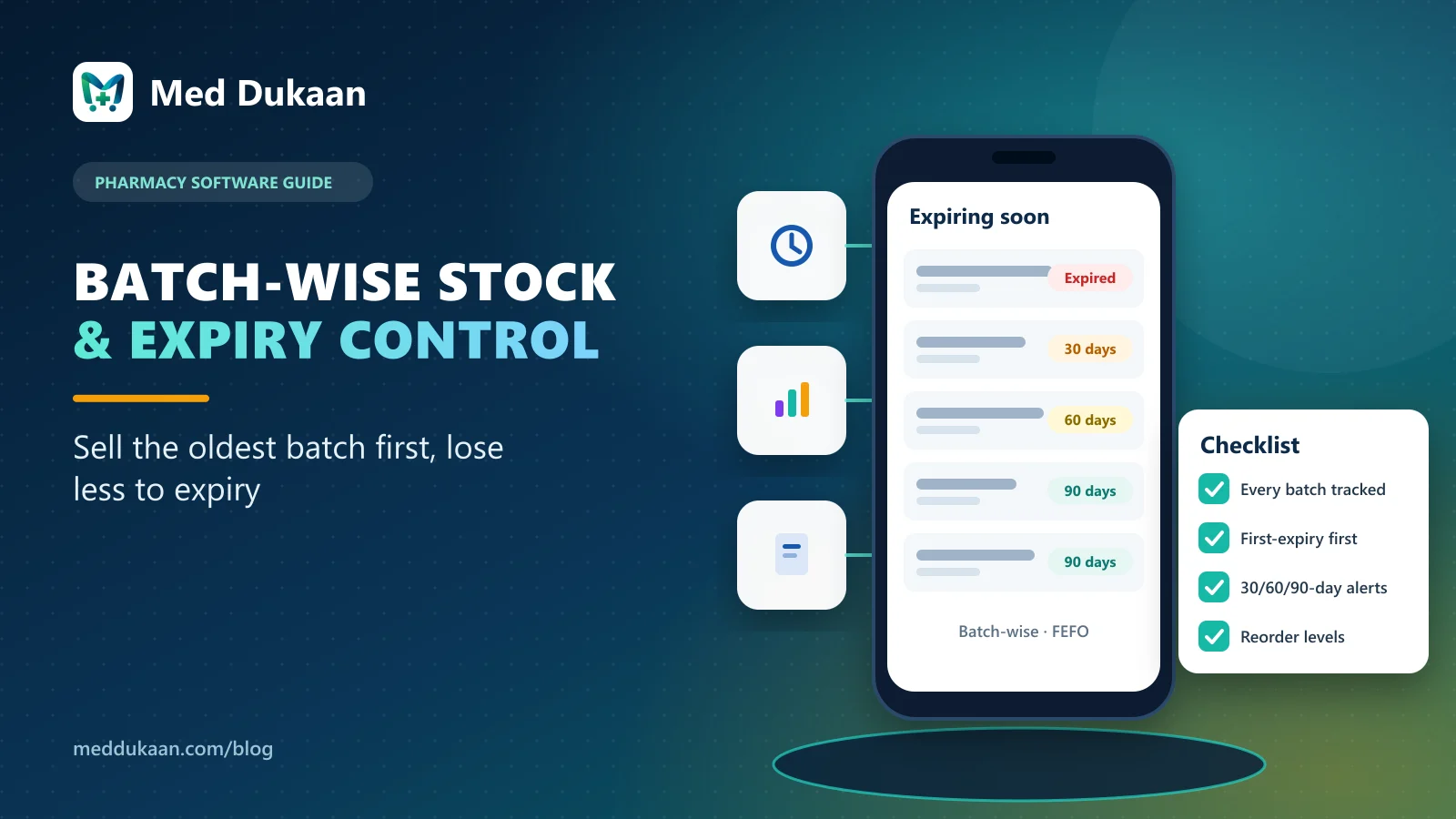
Batch-wise stock management means every batch of a medicine is kept separately, with its own expiry date, MRP, cost and quantity. It lets a medical store sell the oldest batch first, see what is about to expire, and stop an expired batch from being billed. One total quantity per medicine cannot do any of that.
If you have ever found a box of strips that expired quietly at the back of a shelf, this is the system that prevents it.
Key takeaways
- Keep expiry, MRP, cost and quantity for each batch, not each medicine.
- Bill first-expiry-first-out by default; let staff override only when needed.
- Review 30/60/90-day expiry lists every week and act on them.
- Set reorder levels so fast movers never run out.
- Record every stock change with a reason.
Why is one stock number per medicine not enough?
Two strips of the same brand can come from different batches with different expiry dates, sometimes even a different MRP after a price revision. A single quantity hides that. You cannot tell which strips expire next month, which supplier batch to return, or why the shelf count does not match.
Med Dukaan stores every batch separately. The medicine page shows each batch with its expiry, MRP, cost and units in stock.
How does first-expiry-first-out billing work?
When you bill a medicine, Med Dukaan offers the batch that expires first. The cashier can still pick another batch (for example, a customer asks for a specific pack), but the default protects you from old stock staying on the shelf while newer stock sells.
Expired batches cannot be billed at all, so an expired strip never reaches a customer by mistake.
What should you do with expiry alerts?
The dashboard lists medicines expiring within 30, 60 and 90 days, and expired batches separately. A weekly routine works well:
- Expired: remove from the shelf and record the write-off with a reason.
- Within 30 days: check whether the supplier accepts returns and act before the window closes.
- Within 60–90 days: move to the front shelf and stop re-ordering if it is not selling.
| Expiry window | Typical action |
|---|---|
| Already expired | Remove, record write-off |
| 0–30 days | Return to supplier if allowed, sell first |
| 31–90 days | Front shelf, pause re-orders |
How do reorder levels prevent lost sales?
Set a reorder level for each medicine in units. When stock falls to that level, the medicine appears in the low-stock list, so you order before a customer is sent elsewhere. Start with your top sellers; you do not need levels for every SKU on day one.
How should stock come in?
Through purchases (supplier bills), quick add, an Excel/CSV import of up to 3,000 rows, or reading a supplier bill photo or PDF with AI where it is switched on. Every method asks for batch and expiry, and you check the lines before saving. Our guide on adding stock from a bill photo shows the fastest route.
Why record every adjustment?
Damaged strips, a recount difference, a breakage: Med Dukaan records each change with a reason in a stock ledger that is not silently edited. When the shelf and the screen disagree, that history is how you find out why.
Illustrative example
Fictional example. A store in Darbhanga runs the 30-day expiry list every Monday. In the first month they find two batches of a cough syrup close to expiry, return one to the distributor within its return window and move the other to the counter. The habit takes ten minutes a week.
Common mistakes
- Entering opening stock without expiry dates.
- Letting staff pick any batch at billing out of habit.
- Ignoring the 90-day list until it becomes the expired list.
Med Dukaan includes batch-wise stock, expiry alerts, reorder levels and a stock ledger. See what billing software should include or check pricing.
Frequently asked questions
What is batch-wise stock in a pharmacy?
Keeping each batch of a medicine separately with its own expiry date, MRP, cost and quantity, instead of one total per medicine.
Which batch is billed first in Med Dukaan?
The batch that expires first is offered by default. The cashier can choose another batch if needed, and expired batches cannot be billed.
How often should a medical store check expiry?
A weekly review of expired, 30-day and 90-day lists works for most stores, so returns and front-shelf moves happen in time.
Can I see medicines expiring next month?
Yes. Med Dukaan lists batches expiring within 30, 60 and 90 days, and expired batches separately.
- #inventory
- #expiry
- #stock management
Product team, Appluk Private Limited
The people who build Med Dukaan, pharmacy software for Indian medical stores. We write about how the software works and how stores use it day to day.